Best Landscape Design Software to Try in 2026 (Tested by a Practitioner)
From DynaSCAPE to Polycam — five tools I've personally tested across real projects in Kenya and selected design work, and how they fit into a modern landscape design workflow.
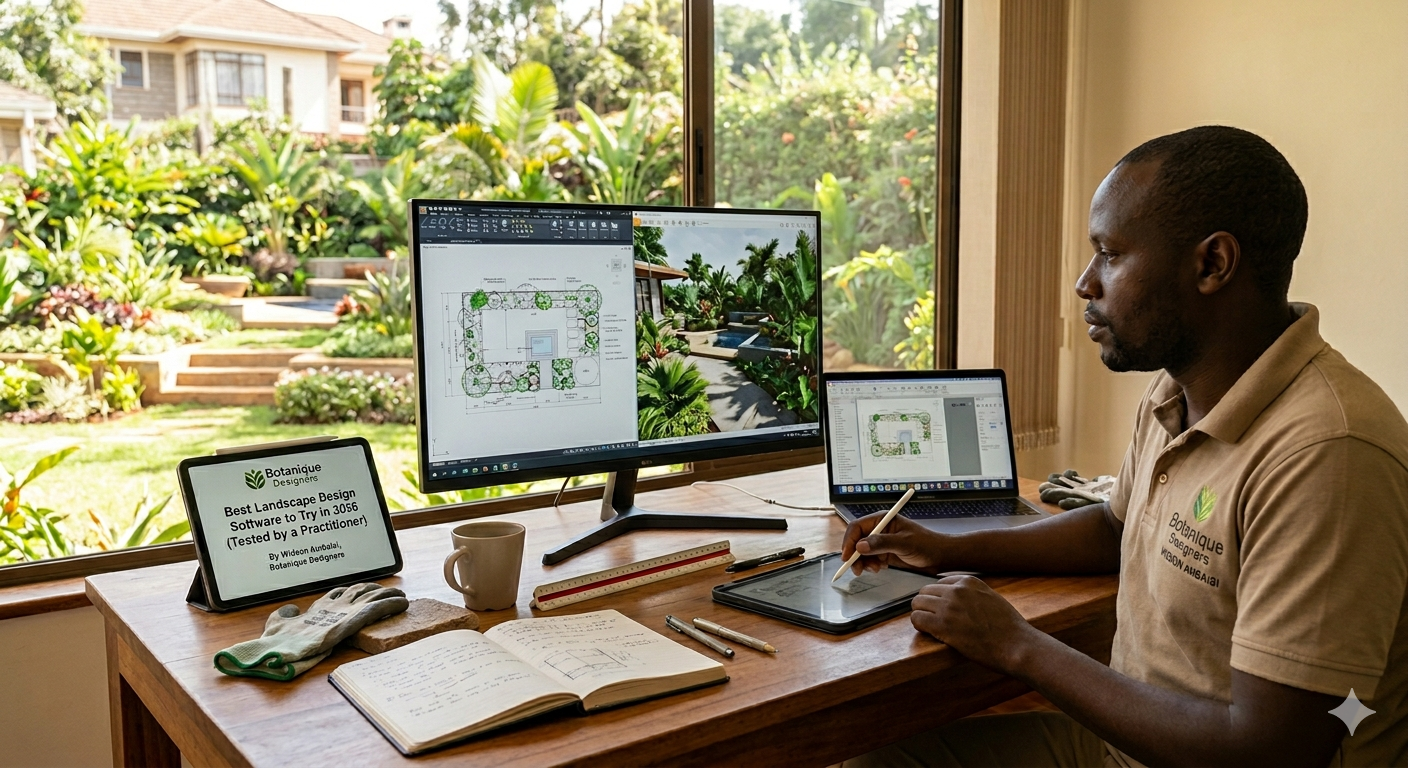
I'll be honest with you — this article comes from a moment of being genuinely stranded.
For years, Realtime Landscaping was my go-to design environment. It did exactly what a landscape designer needs: fast 3D visualisation, believable plant rendering, and a workflow that kept up with client meetings. Then I switched to a MacBook. Realtime Landscaping is Windows-only, and just like that, a critical part of my practice was gone.
What followed was a weeks-long deep dive into the landscape design software landscape — testing, trialling, and in some cases, quietly closing a browser tab in disappointment. The five tools I'm writing about here are the ones that passed that test. These are not theoretical recommendations. I've run them on actual projects, across residential gardens in Karen and Runda, through site documentation work in Kenya and selected design briefs, and in client presentations where I needed the tools to perform — not just look good in a YouTube demo.
Here's what I found.
1. DynaSCAPE — The CAD Standard for the Landscape Industry
DynaSCAPE has been around since 1998, and the people who built it had one goal: create design software that produces work that looks hand-drawn, not computer-generated. They largely succeeded. The fine line weights, precise shapes, and overall graphic quality of a DynaSCAPE plan are immediately recognisable to anyone who has spent time in professional landscape practice.
What makes it genuinely useful is the ecosystem around the core drawing tool. The Color module adds full rendering to your 2D plans without hours of post-production. Sketch3D takes your drawings into a 3D walkthrough environment. And if you're managing a landscape business — quoting, tracking, invoicing — Manage360 connects directly to your design files so your estimates are always talking to your drawings.
The honest caveat: DynaSCAPE is primarily a Windows application. Mac users can run it through Parallels Desktop, which works but adds friction. If you're on a MacBook and need a native experience, DynaSCAPE will ask you to compromise slightly. That said, for the quality of technical drawing output, the compromise is often worth it. Plans produced in DynaSCAPE are construction-ready from day one.
Pricing: Creator plan from $95/month. The Design + Color + Sketch3D bundle runs $210/month — the configuration most professional firms will actually need.
Best for: Design/build firms, residential specialists, and anyone who needs plans that look like they were drawn by hand rather than generated by software.
2. Rhino 3D (with Lands Design) — Where Precision Meets Complexity
Rhino is not a landscape design tool by default. It's a precision 3D modelling environment built on NURBS geometry — the kind of mathematical modelling that architects and product designers rely on for forms that need to be exactly right. What makes it relevant to landscape architecture is the Lands Design plugin, which layers planting tools, terrain modelling, and vegetation data on top of Rhino's geometry engine.
The result is something genuinely powerful. You can model topographically accurate terrain, generate realistic vegetation, assign plant species with full botanical data, and produce documentation that integrates seamlessly into a BIM workflow. When a project requires coordination with civil engineers or architects — increasingly common in commercial landscape work — Rhino speaks the same language.
Rhino is natively available on macOS, which removes the Parallels workaround entirely. The learning curve is real: this is not software you open and understand in an afternoon. But for firms working on complex sites, master plans, or projects where parametric design adds value, the ceiling on what Rhino can produce is significantly higher than most alternatives.
Pricing: Rhino 3D is a one-time purchase (approximately $1,000 for a full commercial licence). Lands Design is a separate subscription. The combination is still more economical over three to five years than most monthly subscription tools.
Best for: Landscape architects handling large commercial projects, urban design, and multidisciplinary environments where BIM interoperability matters.
3. Rendair AI — The Presentation Layer You've Been Missing
Rendair is the tool I was most sceptical about before I used it, and the one I've since recommended most often.
The premise is simple: you upload an image — a hand-drawn sketch, a screenshot from your modelling software, a rough site photograph — and Rendair returns a photorealistic render. What separates it from the wave of generic AI image generators is that it's been built for designers who need to control the output. It respects the spatial logic of what you upload. If you submit a planting plan, the render reflects that geometry. If you prompt it to replace gravel hardscape with sandstone pavers, it makes that specific change rather than regenerating the entire scene.
For client presentations, this changes the workflow meaningfully. I can take a working drawing from Rhino or a site photograph from a Karen project, pass it through Rendair with a few text prompts, and within minutes have a client-ready visual that communicates the design intent clearly. The sketch-to-render function is particularly useful early in a project, when the concept is solid but the modelling isn't complete.
Rendair is entirely cloud-based — no Mac compatibility issues, no installation, it works in a browser on any device.
Best for: Any landscape designer who presents to clients and needs photorealistic visuals without spending days in a rendering engine.
4. Enscape — Real-Time Rendering for SketchUp and Rhino
Where Rendair is an AI-driven post-production tool, Enscape lives inside your modelling software and renders in real time. It integrates directly with Rhino, SketchUp, Vectorworks, and Revit, turning your working model into a walkable, photorealistic environment as you build it.
The practical value is in client meetings. Instead of prepared renders that may or may not reflect last-minute design changes, you open Enscape during the meeting and walk the client through the actual current model. The lighting is responsive, the materials look accurate, and you can switch between a plan view and a first-person walkthrough without leaving the room. That live presentation capability changes how clients relate to a design before it's built.
Enscape is also excellent for generating high-quality still renders and fly-through videos for presentation documents — the kind of output that elevates a proposal from a CAD print to something a client keeps on their desk.
Pricing: Subscription-based, approximately $80–$100/month per seat. Requires a reasonably capable GPU for real-time rendering to perform smoothly.
Best for: Design firms that present to clients regularly and want real-time walkthrough capability built into their modelling workflow.
5. Polycam — Site Survey in Your Pocket
Polycam is the tool on this list that doesn't produce finished drawings — and it's possibly the one that saves the most time in practice.
Modern iPhones and iPads with LiDAR sensors can capture physical space in three dimensions. Polycam uses that sensor to turn a site visit into an accurate 3D mesh of the terrain, existing structures, and planting. You walk the site with your phone, the app builds the model in the background, and you leave with a georeferenced 3D file that can be imported into Rhino, SketchUp, or Vectorworks as the base for your design.
For those of us doing site surveys in Kenya — in Karen, Westlands, along the Mombasa coast, or on selected regional design briefs — the ability to arrive on site with an iPhone and leave with accurate survey data compresses what used to be an entire survey day into a site visit. Polycam also processes drone photography into orthomosaics and 3D models, which integrates well with drone survey workflows on larger sites.
It's not a replacement for a topographic survey on a complex grading project. But for most residential and small commercial sites, it's accurate enough to build a credible design model from, and it's available in the App Store right now.
Pricing: Free tier available. Pro subscription for higher resolution processing and unlimited scans.
Best for: Site visits, early design phases, residential projects where a full survey team isn't justified, and any designer who wants to reduce the gap between site and studio.
A Practical Stack for Landscape Professionals in 2026
If I were setting up a practice workflow today — which, in a sense, I just did — this is how these tools fit together:
Polycam captures the site. Rhino builds the design on that base. Enscape renders it in real time during client meetings. Rendair polishes specific visuals for proposals and social media. DynaSCAPE handles 2D technical drawings and plant schedules when a construction-ready document is the deliverable.
These are not competing tools. They occupy different parts of the design process, and used together they cover the full workflow from first site visit to final document.
The days of one software doing everything are effectively over. The firms that adapt fastest to this modular, AI-assisted approach are the ones that will produce better work in less time — and in this industry, that's where the competitive edge sits.
Ready to work with a team that uses the right tools for your project? Get in touch.
Written by Widson Omutelema Ambaisi — Founder & Principal Landscape Designer, Botanique Designers